
Guides
Collect only the lead details you need
Ask for one useful piece of information at a time. Explain the purpose of the follow-up, validate the response and record consent before enrolling a contact in outreach. Stop cleanly when the customer does not want to continue.
Engagivo editorial team ·
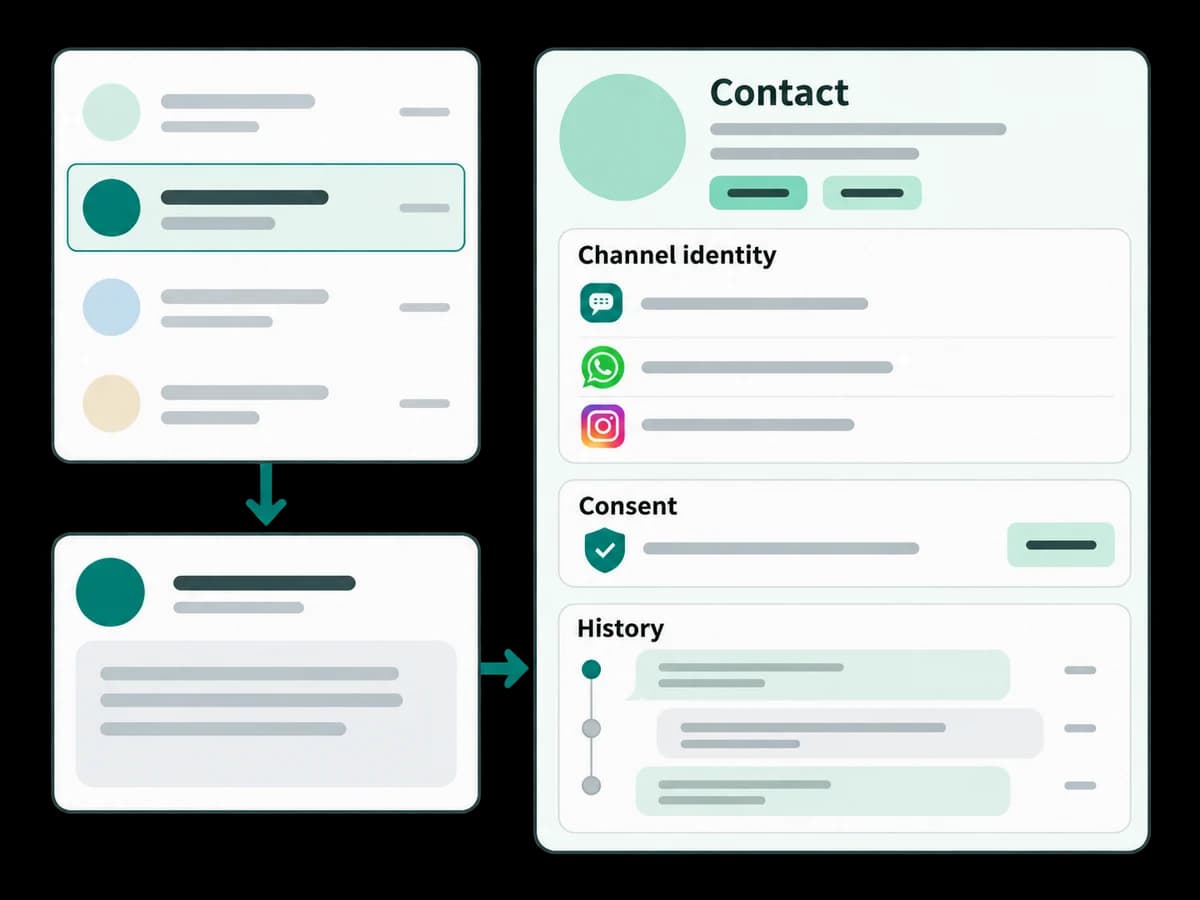
Choose the fields needed for the next action, rather than collecting everything upfront.
Agree how incomplete or invalid answers should be handled.
Review the contact timeline, tags and follow-up eligibility after a test.
Prerequisites and screens
Choose a supported channel, a business purpose for the field and the consent needed for any follow-up. Open Automations → New to create a draft and Contacts to review fields, tags, consent and activity. Flow editing needs the relevant workspace permission.
Ask one useful question
Configure the keyword and collection prompt. Explain why the information is needed, choose its response type, and review invalid, missing and declined answers. Capturing an email does not itself grant campaign consent.
Safe example and expected result
Use INFO and reader@example.com in no-send simulation, then enter an invalid email. Inspect which step succeeds or stops. After an authorized controlled test, check the contact field and timeline. Expected result: a validated field attached to the correct contact, with follow-up eligibility reviewed separately.
Troubleshooting and stopping point
If a field does not save, check field mapping, validation and permissions. If consent is absent, stop before outreach. Save the draft and ask the workspace owner to review the unresolved path.