Before you start
An eligible WhatsApp Business Platform connection, a keyword, a purpose for collecting email and the customer’s consent. Live messages still need applicable service-window or approved-template eligibility.
Sign in to continue to the selected starter in Automations → New. Choose Use starter there to create an editable draft. Signing in alone does not create a flow, publish it or send messages. Editing and publication need the relevant workspace permissions and plan allowances.
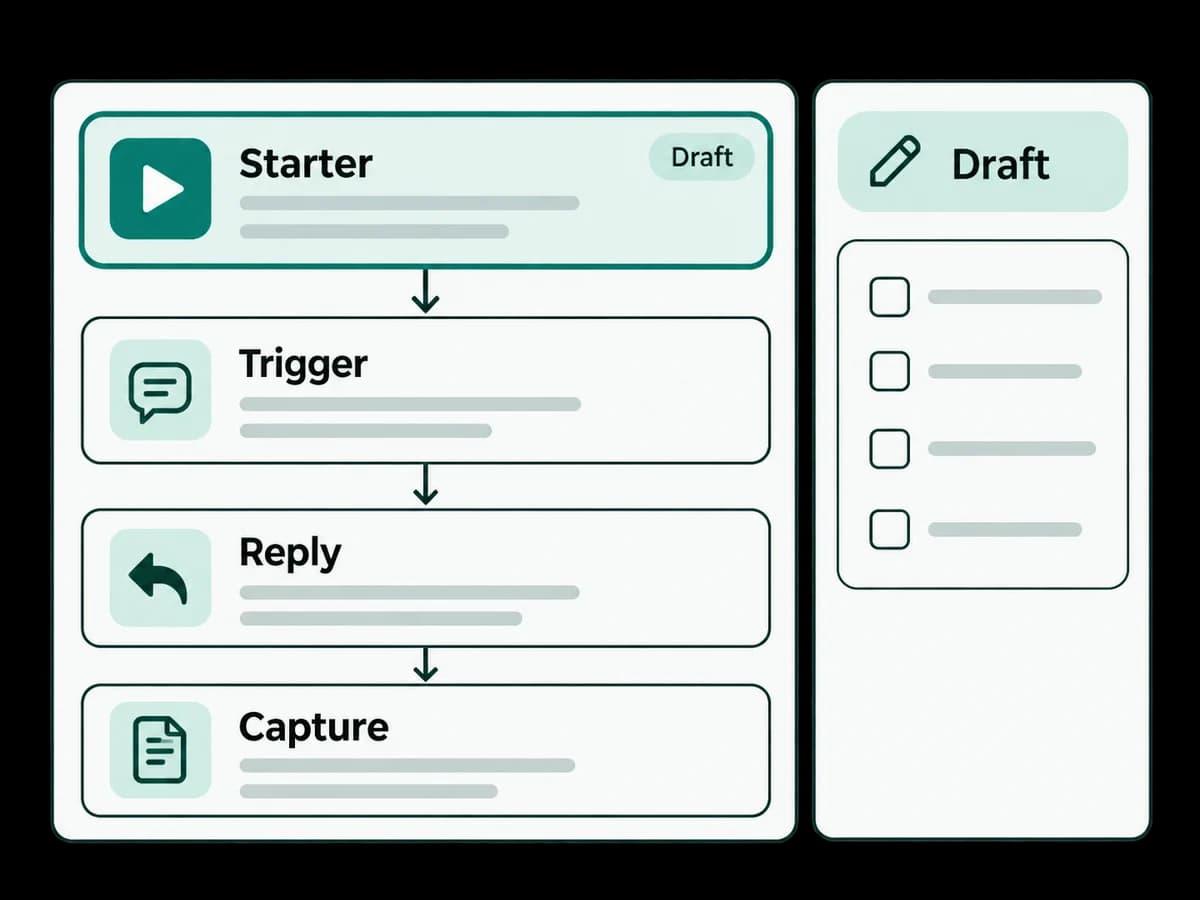
Read-only step outline
- 1
Match a customer’s WhatsApp keyword.
- 2
Explain why an email is needed and ask for it.
- 3
Validate and save the email response; review how invalid or missing answers stop the path.
Safe test example
Simulate the chosen keyword with reader@example.com, then with an invalid address. Check the saved field and the unresolved-answer path without sending messages.
Expected result and safe stopping point
A valid email becomes contact context. This starter does not enroll the contact in a campaign or send email; follow-up needs its own consent and review.
Save the draft and stop before publishing if connection checks, consent, assignment or simulation results are unresolved. Ask your workspace administrator to review the failed step.