
Guides
Read reports with their coverage in view
A missing source is not a measured zero. Before using a report, check the reporting window, timezone, connected accounts and the outcomes available from each provider. Compare only measurements that use the same definition.
Engagivo editorial team ·
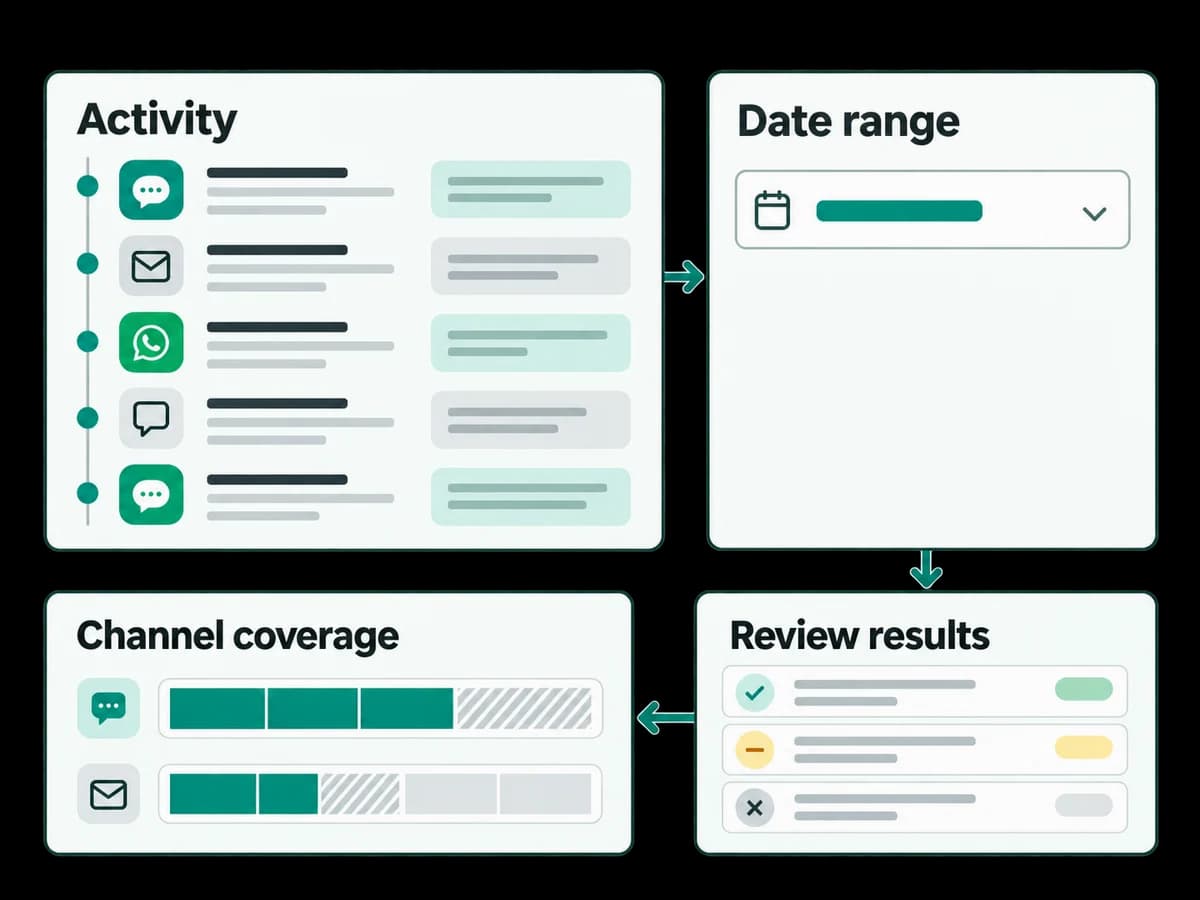
Record the event or outcome being measured and the time range.
Separate confirmed provider outcomes from unavailable or delayed data.
Use the results to choose one workflow improvement to test next.
Prerequisites and screens
Have reporting access and identify the connected accounts, date range, timezone and outcome you want to inspect. Open Analytics → Overview or Outreach; campaign-specific delivery detail is available under Campaigns → Delivery.
Choose comparable evidence
Use the same time window and outcome definition for each comparison. Keep accepted messages separate from confirmed delivery and conversions. A missing provider source is unavailable data, not a measured zero.
Safe example and expected result
Review a controlled test campaign’s recorded status alongside the report for the same time range. Expected result: the source and time window explain what is counted. Do not invent a performance percentage from an empty or incomplete report.
Troubleshooting and stopping point
If counts differ, check filters, timezone, provider delays and outcome definitions. Save the comparison assumptions and ask an administrator to review missing sources before making a rollout or spending decision.