
Guides
Connect a channel with a clear owner
Start by identifying who owns the provider account and who can grant access. Choose one action to test, such as receiving a message or publishing an approved post. A connected account alone does not prove that every action is available.
Engagivo editorial team ·
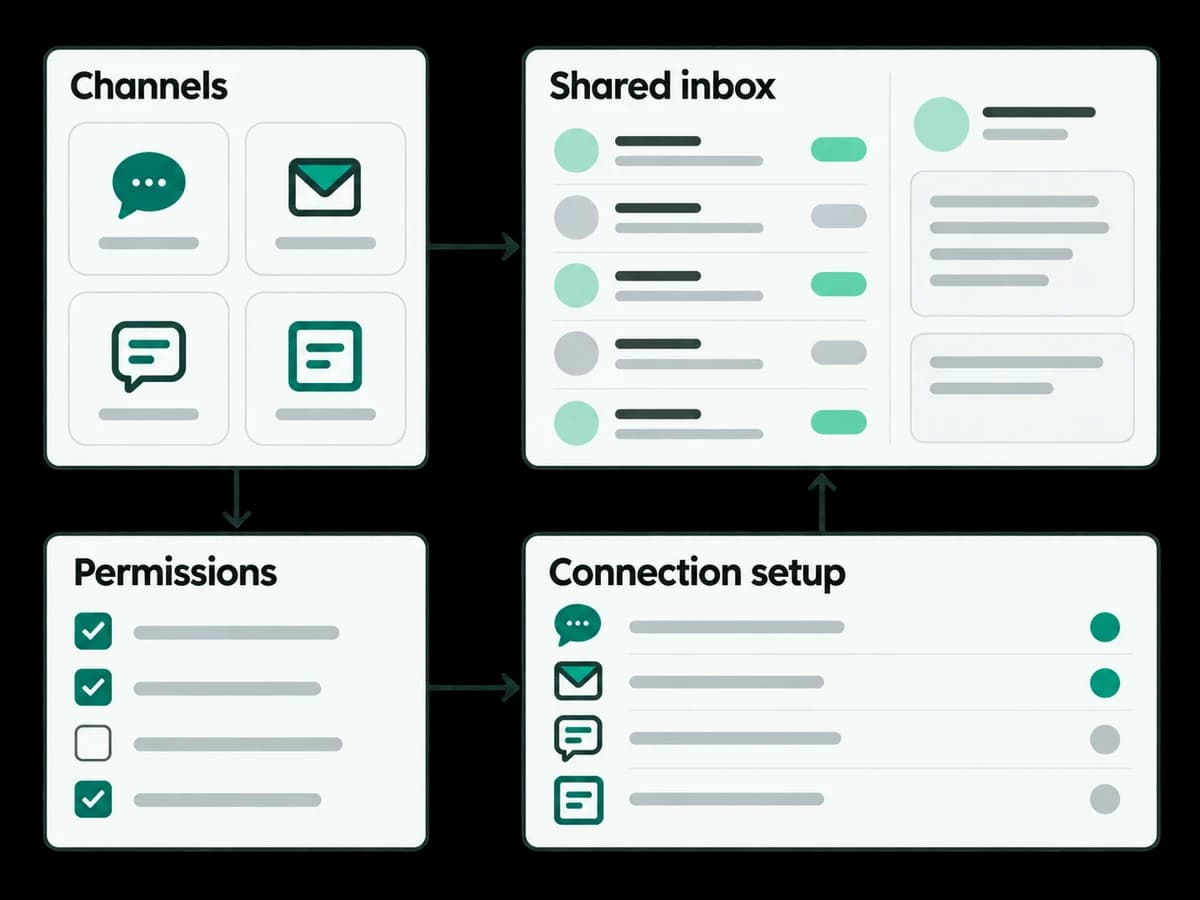
List the account type, permissions and provider prerequisites from the integration guide.
Name a teammate who will maintain the connection and monitor permission changes.
Send a test event and check the actual provider result before rollout.
Prerequisites and screens
Have the provider account owner available, check the integration requirements and obtain workspace connection permissions. After sign-in, open Channels → Connected accounts and Connection health. Instagram needs an eligible professional account, Messenger a Page, WhatsApp a Business Platform connection and LINE an Official Account with Messaging API access.
Work through one action
Choose one account and one action. Check permissions, connect the account using the available setup screen, then inspect Connection health. Receiving a message and publishing a post have different requirements.
Safe example and expected result
With a controlled test account, send ‘Test enquiry — please assign a teammate’ after agreeing that live messages are allowed. Inspect the received conversation in Inbox and its account identity. A healthy connection and the visible inbound event establish this test only; they do not prove every provider action works.
Troubleshooting and stopping point
If the event is missing, check account identity, permission status and connection health before retrying. Ask the account owner or workspace administrator to resolve failures. Stop before enabling automation or contacting customers.