
Guides
Design a handoff that carries context
Decide what a teammate needs when automation stops: the customer’s question, information already collected, consent and the next promised action. A useful handoff makes ownership clear and avoids asking the customer to repeat the conversation.
Engagivo editorial team ·
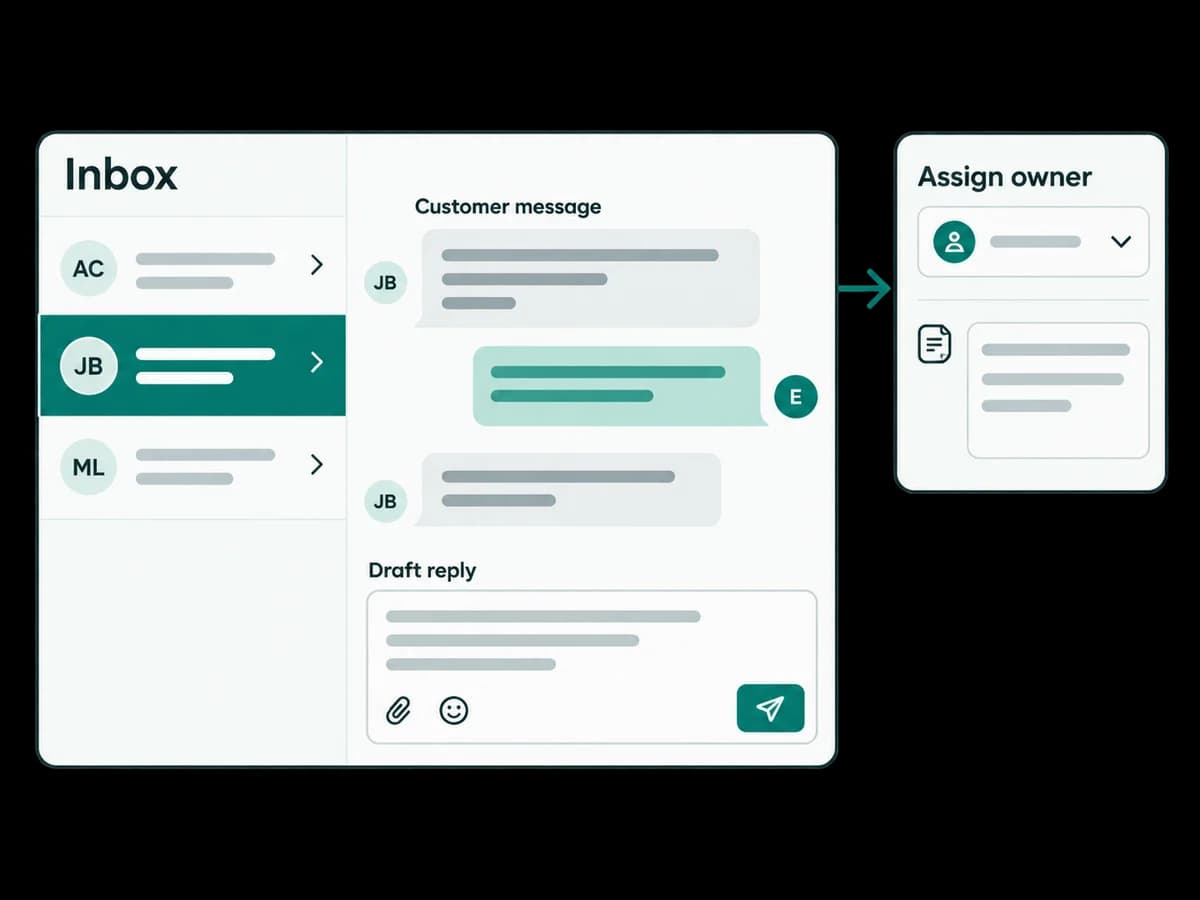
Choose an exception, such as an unanswered question or a request for a person.
Assign the conversation and leave an internal note with the next step.
Test both the automated path and the handoff with a teammate.
Prerequisites and screens
Prepare an eligible connected channel, an authorized teammate, a test conversation and a clear escalation rule. Open Inbox to inspect assignment, internal notes and conversation context; use Automations for flow handoff steps.
Make ownership explicit
Choose the point where automated handling stops. Configure the human handoff, decide who owns it and record the question, details already collected and next action in an internal note.
Safe example and expected result
In a flow’s no-send simulation, use a fictional question that needs a person, such as ‘Please help me change this request’. Review the handoff step. In a controlled live test, confirm the assignment and note in Inbox and that automated replies pause while a person owns the conversation.
Troubleshooting and stopping point
If the destination is unavailable or an automatic reply continues, check the handoff configuration and account reply mode with an administrator. Keep the draft unpublished until ownership and pause behavior are verified.