Before you start
An eligible Messenger Page, a reviewed answer, a keyword and a teammate or queue for escalation. The starter is a keyword flow; an AI Agent needs separate provider, knowledge and reply-mode setup.
Sign in to continue to the selected starter in Automations → New. Choose Use starter there to create an editable draft. Signing in alone does not create a flow, publish it or send messages. Editing and publication need the relevant workspace permissions and plan allowances.
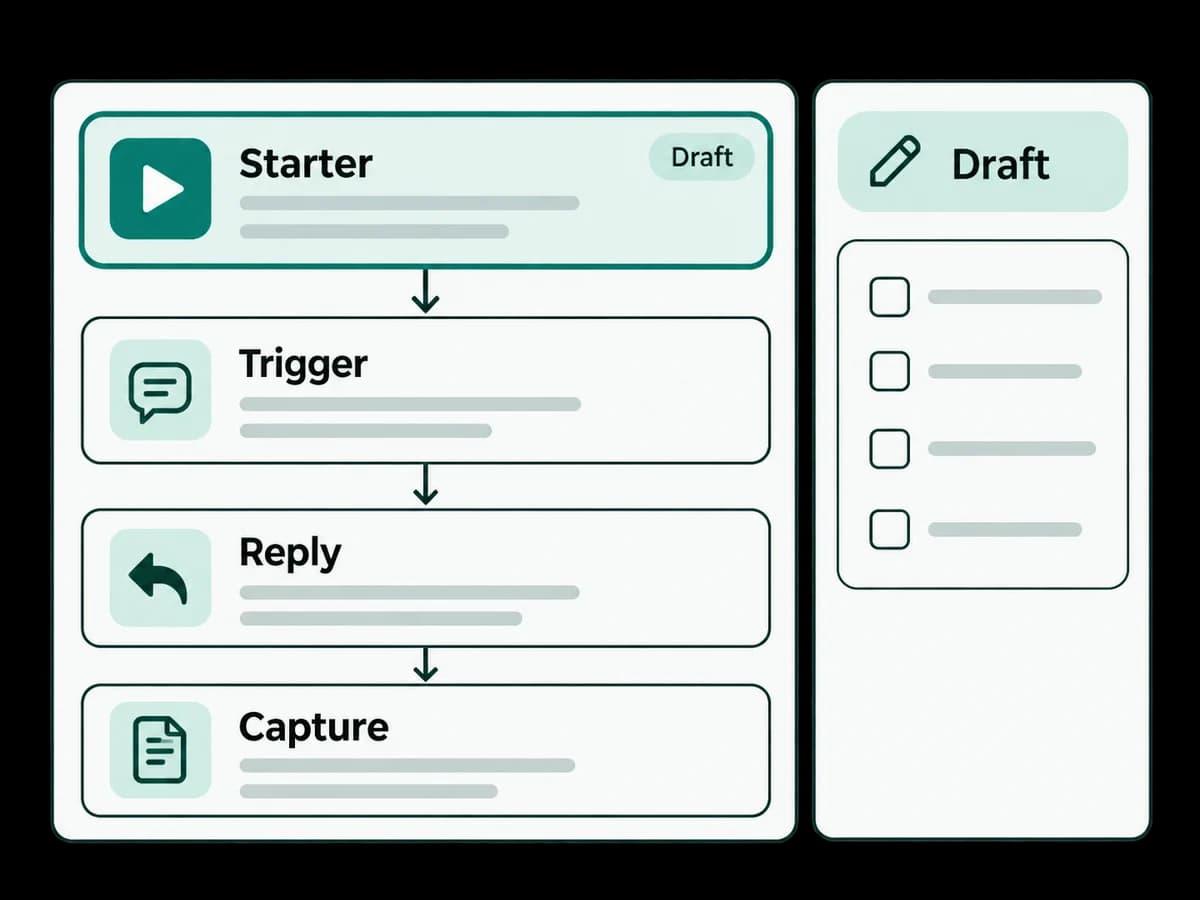
Read-only step outline
- 1
Match the configured Messenger keyword.
- 2
Send the answer your team reviewed.
- 3
Hand the conversation to a person with the context attached.
Safe test example
Use a fictional question such as ‘INFO: What are your opening hours?’ in no-send simulation. Check the exact keyword and the handoff. A nonmatching question does not enter this starter automatically.
Expected result and safe stopping point
The flow gives the configured answer and reaches human handoff. Configure the destination and review service-window requirements before publishing.
Save the draft and stop before publishing if connection checks, consent, assignment or simulation results are unresolved. Ask your workspace administrator to review the failed step.